

What a replay shows
A replay is one flight, played again from the beginning: pushback from the gate, the taxi out, the takeoff, the climb and the cruise, the descent, the approach and the landing. The aircraft moves along the track it actually flew, with its altitude and speed changing as they did on the day.
It is not a recording of anything filmed. The app kept the positions the aircraft reported during the flight and draws the flight again from them. Where the data had a gap, the replay has one too.
On the map or in 3D
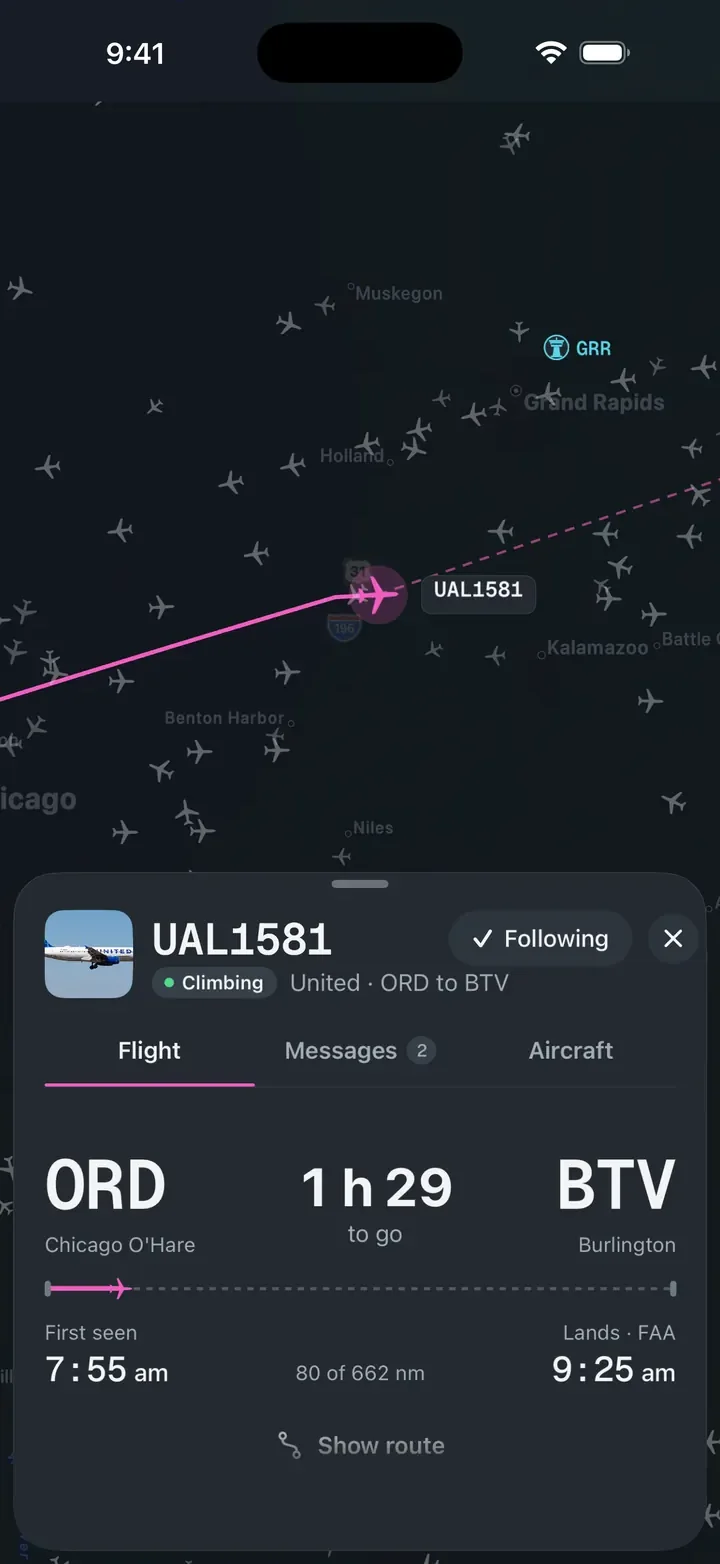
- 2D, on the map. The whole flight at once: the route, where it turned, where it held, where it turned back. Best for the big picture.
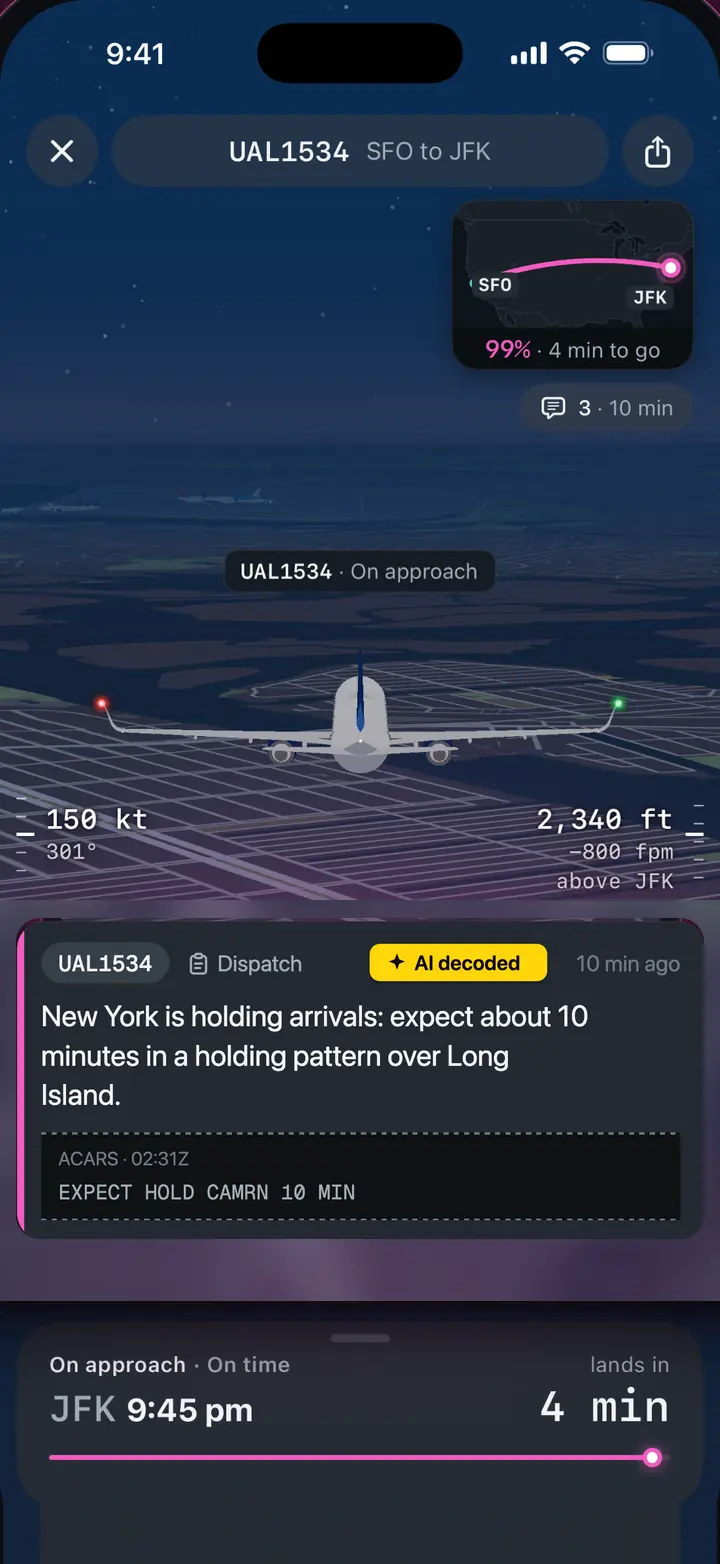
- 3D. The same flight from the 3D view: a chase view behind the aircraft, a side view, a top view and the view from the tower, over real terrain. Best for one part of the flight, such as the approach and landing.
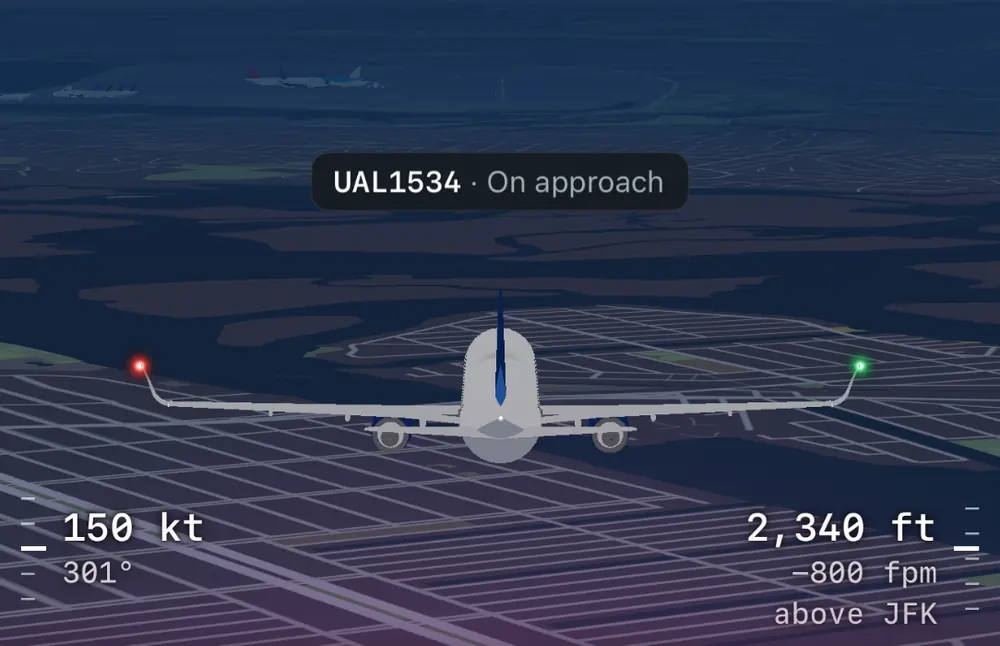 3D view in Cockpit, example
How far back it goes
- Free. Flights from the last 24 hours.
- Cockpit Pro. Flights from the last 30 days.
Watching a replay in 3D counts toward the three one-minute 3D views free users get each day. Pro has no daily limit and no timer.
How to find a past flight
- Open the aircraft in Cockpit, from the map or by searching for the flight.
- On the aircraft card, tap Replay.
- Pick the flight and play it on the map, or switch to 3D.
A flight that has just landed is ready to replay about ten minutes later.
What replay is good for
- The flight you were on. See the holding pattern you felt, or the second approach after a go-around.
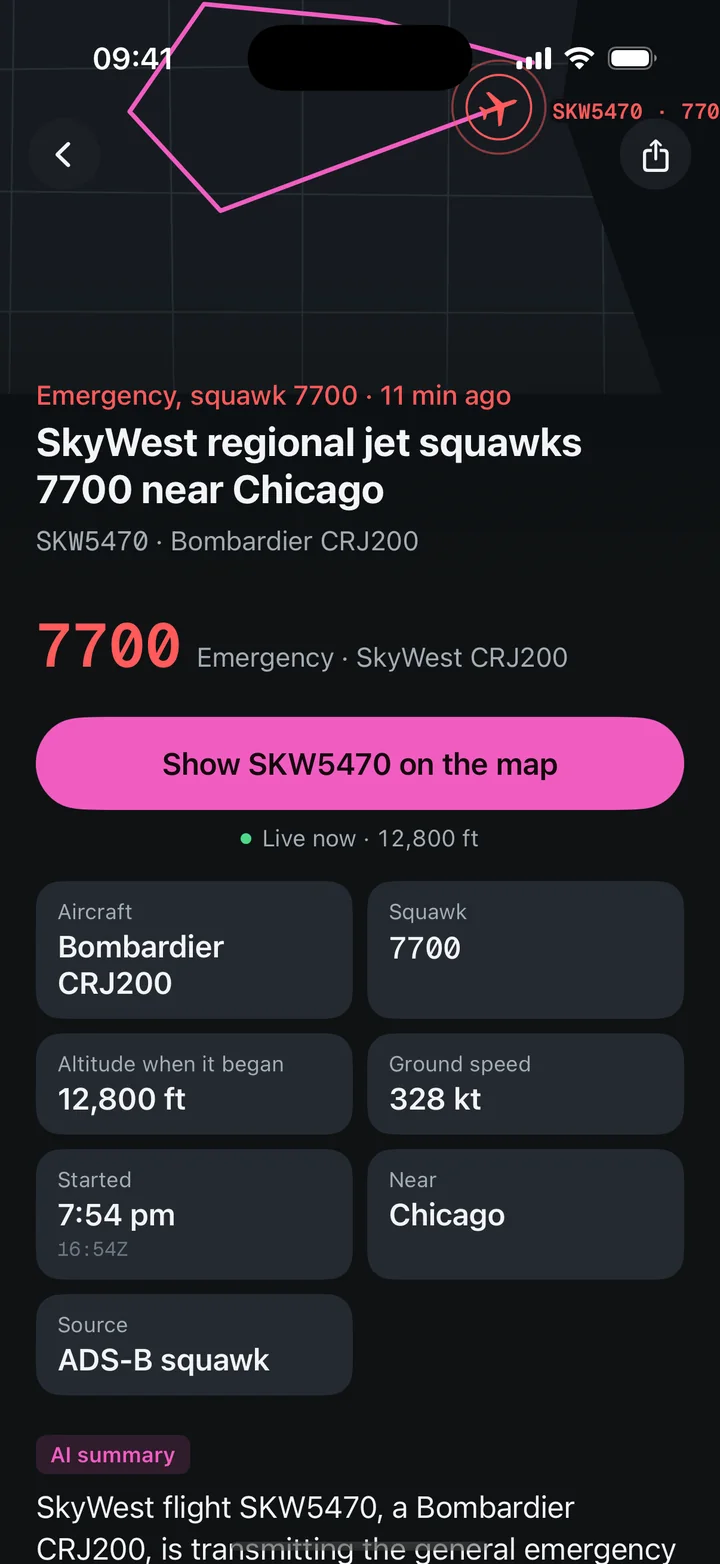
- The flight in the news. When an airliner squawks 7700 and diverts, the story is in its track: where it turned back, how fast it came down. The emergencies page lists the recent ones over the US, and the guide to squawk 7700 explains what the code means.
- The one you missed. A relative's flight that landed while you were driving to the airport, or an unusual aircraft that passed overhead an hour ago.
- The delay. A long taxi out or a hold before landing is easy to see when the flight is played back. At the largest US airports, Airport 3D shows the same queue live.
Questions
Can I replay a flight that has already landed?
Yes. In the Cockpit app, open the aircraft and tap Replay on its card to watch its past flight again, from pushback to landing, on the map or in 3D.
How far back does the flight history go?
The last 24 hours are free. Cockpit Pro keeps 30 days of flights to replay.
Can I replay a flight in 3D?
Yes. A replay can be watched on the map (2D) or in the 3D view. In 3D it counts as one of the three one-minute 3D views free users get each day; Cockpit Pro has no limit.
Is a replay a video recording?
No. Nothing was filmed. A replay is redrawn from the positions the aircraft reported during the flight, the same data the live map uses, so it shows where the aircraft was at each moment.
Is flight replay free?
Cockpit is free to download and replays of flights from the last 24 hours are free. Older flights, up to 30 days back, need Cockpit Pro.
Replay in the Cockpit app
Start from any aircraft, play its flight again on the map, then watch the part that matters in 3D.